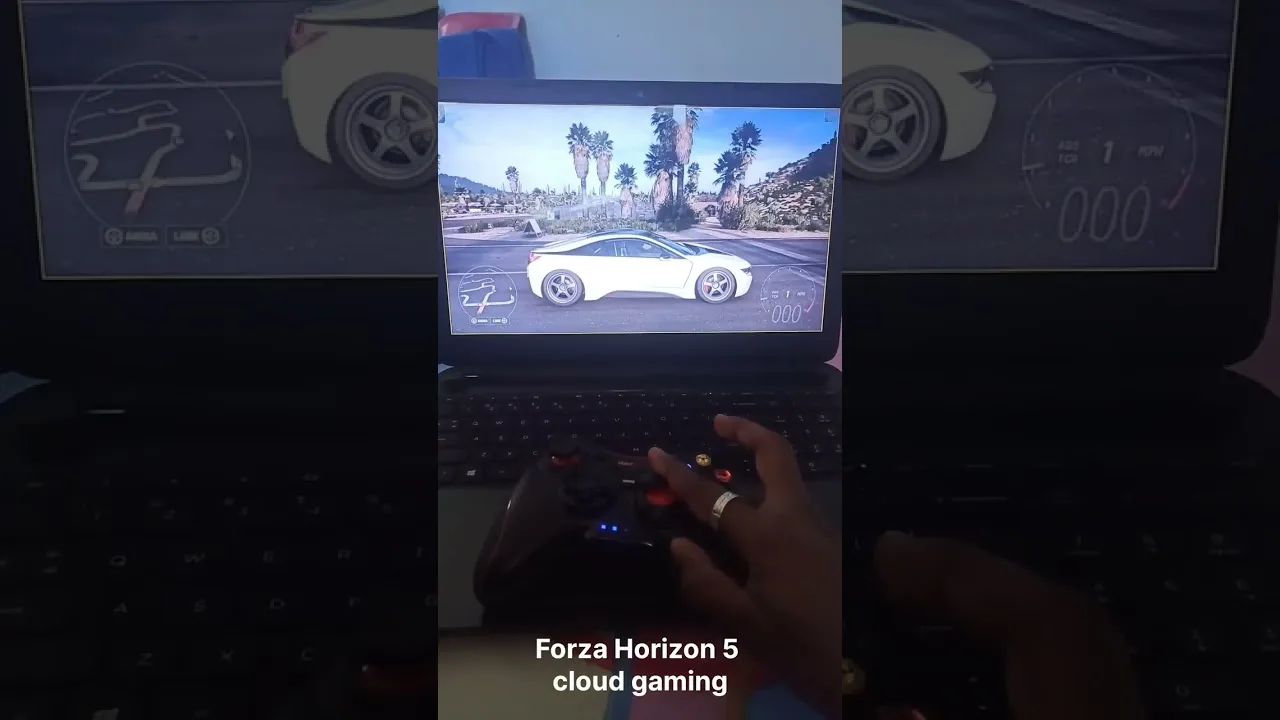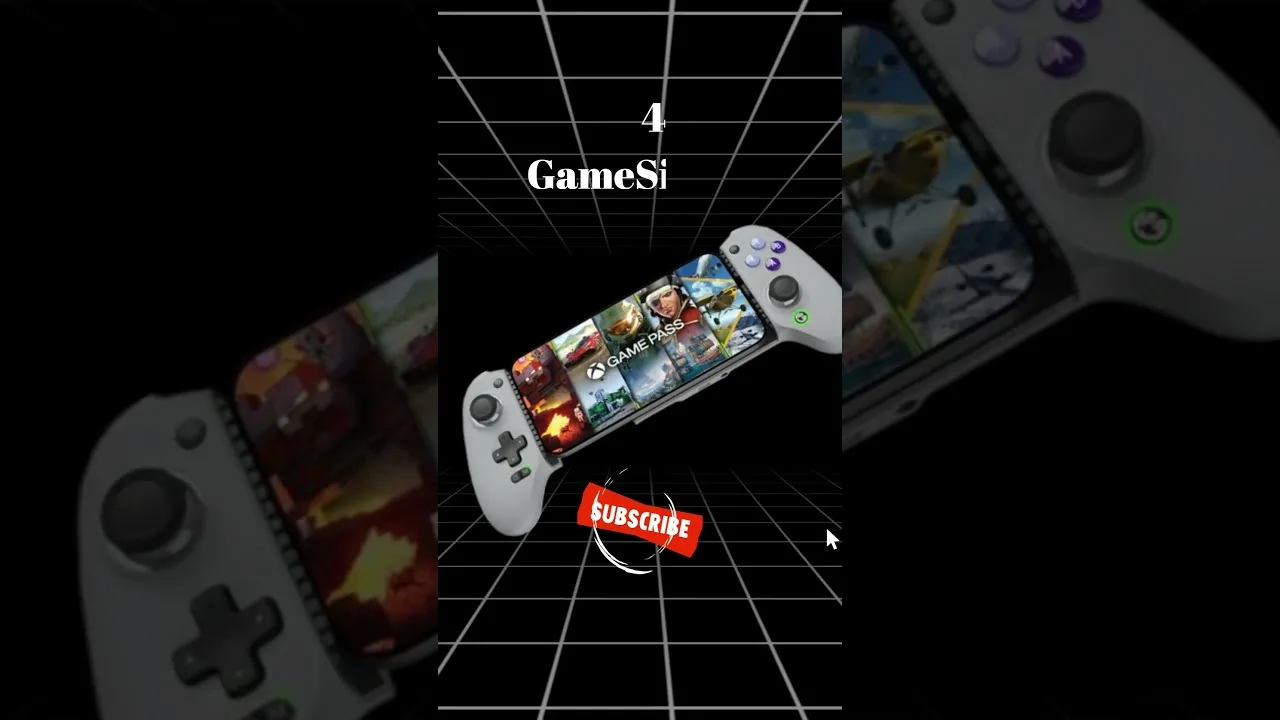
Up Cloud Gaming on budget phones works because streaming moves the hard work to a server: the phone only has to display a video stream and send your inputs back. That simple shift turns entry-level hardware into a perfectly capable gaming screen for titles it could never run locally.
This guide explains what genuinely works for Up Cloud Gaming for Android on modest devices, which settings help most, and the honest limits — mostly battery, heat, and network — that no setting can fully remove.
Why Streaming Suits Budget Hardware
A demanding game installed locally asks the phone to do everything: graphics, physics, storage, and heat management. A streamed game asks the phone to do one job well — play a video and send inputs. That is why a modest phone that could never install a flagship title can still display it beautifully through the cloud.
The budget phone's real bottlenecks shift elsewhere: Wi-Fi quality, screen brightness and size, battery health, and free storage for the app itself. Those are manageable problems, and this guide takes them one at a time.
There is a refreshing honesty to this arrangement. With a local game, a budget phone's weaknesses are exposed everywhere at once. With a stream, the phone's job is narrow enough that even modest hardware does it respectably, and the experience rises or falls on things — signal, settings, battery care — that attention improves more than money does.
What to Check Before You Rely on It
Start with the basics: a reasonably current Android version, a few gigabytes of free storage, and a Wi-Fi radio that supports the 5 GHz band if possible. None of these requires a new phone — they are checks, not a shopping list.
Our Up Cloud Gaming device compatibility guide explains how different device tiers behave with the app, so you can set expectations for your exact model before your first session.
Settings That Help Modest Devices
Choose the middle picture quality setting rather than the top one; on a smaller, lower-resolution screen the visible difference is minimal, but the network and battery savings are real. Close every other app before playing, and switch off automatic updates so nothing competes mid-game.
Brightness deserves a mention: budget screens often need higher brightness to look good, which drains the battery faster. Play plugged in for long sessions where you can, and keep the phone out of direct sunlight to avoid both glare and heat.
Borrow a trick from video apps: let the stream settle for the first minute before judging it. Adaptive quality often starts cautiously and improves as it reads your connection. Budget setups get written off in first impressions more than any other kind, simply because players judge the softest thirty seconds of the session instead of the steady hour that follows.
Battery, Heat, and Session Length
Streaming is lighter than local gaming, but it still keeps the screen, radios, and decoder busy continuously. Expect a steady battery drain rather than the spikes of local play, and plan sessions accordingly: shorter bursts suit an ageing battery better than marathon runs.
Heat follows the same pattern. If the phone grows uncomfortably warm, pause — performance throttling will quietly degrade the stream anyway. A cool phone is a smooth phone, regardless of price.
Session design helps too. Budget phones reward players who play in deliberate sittings rather than leaving games idling: start, play a complete mission or match, and finish. Idling keeps the screen, radio, and decoder burning battery to render a menu. Short, complete sessions also suit how these devices are actually used — between other things, in spare half-hours — and cloud gaming's instant starts make that rhythm feel natural rather than compromised. The phone is never asked to be a marathon machine, and in return it never embarrasses itself pretending to be one; match the play style to the hardware and both sides of the bargain hold.
Honest Limits to Expect
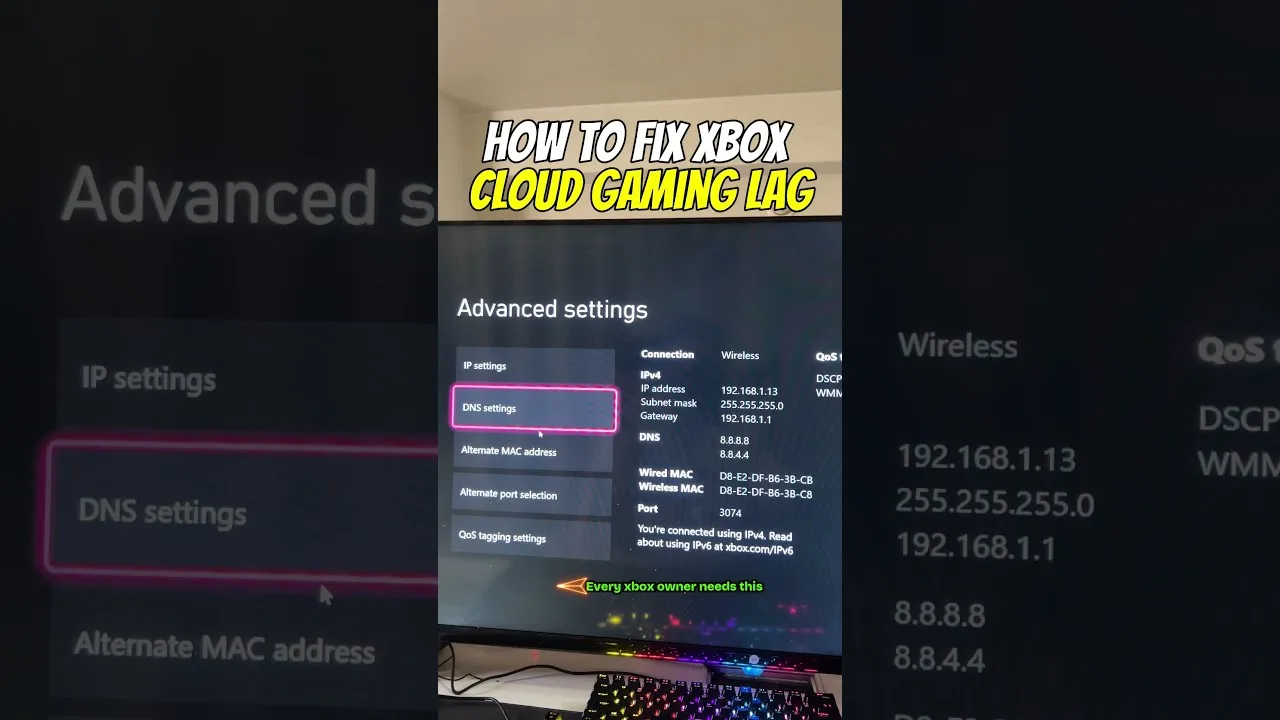
A budget phone will not fix a budget network. If the connection is weak, the stream suffers on any device, so invest attention in the router position and network choice first — our Up Cloud Gaming internet requirements guide lays out what the stream truly needs.
Very old devices may also struggle with the newest video decoding or lack 5 GHz Wi-Fi. Even then, standard-quality play at sensible settings often works better than owners expect. Try before you judge: the barrier to testing is simply the download page and ten minutes.
If you eventually upgrade, notice what actually improves: usually the screen, the battery, and Wi-Fi speed — not the games themselves, which the server was already drawing at full strength. That is the deepest compliment to the budget setup: the ceiling was never the phone. It was always the connection, and connections can be improved for free.
Final Thoughts
Budget phones and cloud gaming are a natural pairing: the cloud supplies the power, the phone supplies the screen. Keep the connection steady, the settings sensible, and the device cool, and an entry-level phone delivers far more gaming than its price tag suggests.
Share the knowledge when it works. Budget-phone players are often told their devices cannot game, usually by people who have never tried a stream on one. If your entry-level phone is happily running titles its spec sheet says it should not, that experience is worth passing on — it is the most convincing argument cloud gaming has, demonstrated on the humblest hardware in the room.