The best games to play on Up Cloud Gaming are the ones whose strengths match what streaming does well: rich graphics, big worlds, and gameplay that rewards judgement over frame-perfect reflexes. Almost anything can be played through a stream, but some genres feel made for it.
This guide sorts your options by genre, session length, and connection quality, so you can build a library around Up Cloud Gaming APK that always has the right game ready for the time and network you have.
Genres That Feel Great on a Stream
Some genres are natural fits for streaming. Story-driven adventures, role-playing games, racing games, sports titles, and strategy games all tolerate the tiny delay of a stream gracefully, because success comes from decisions and timing windows measured in tenths of seconds rather than thousandths.
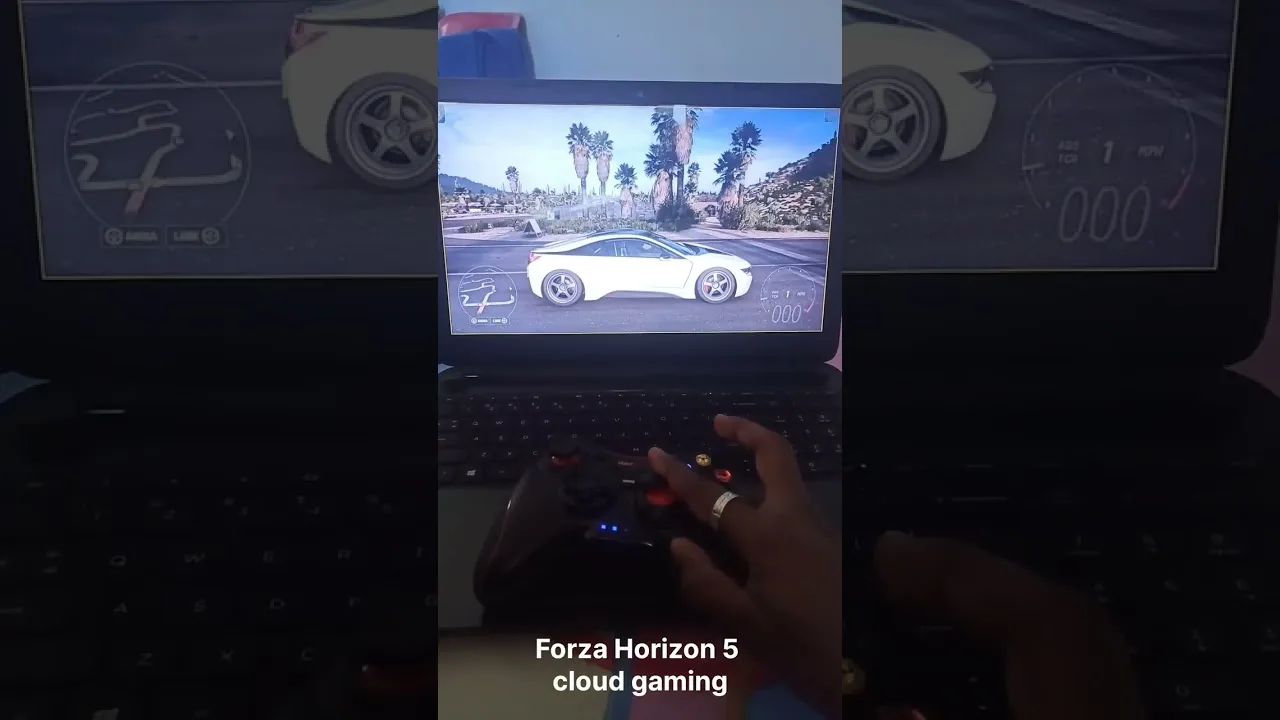
These games also showcase what cloud gaming does best: big worlds and heavy graphics running beautifully on a modest phone. If a title made you think your device could never handle it, that is exactly the title to try first.
Presentation is part of the appeal. Streamed games arrive with their highest visual settings drawn by a server, so atmospheric titles — a rainy city, a mountain sunset, a crowded stadium — look far beyond what a mid-range phone renders locally. If you care about how games look as much as how they play, the catalogue's prettiest story titles are the place to start.
Games to Approach With Realistic Expectations
Frame-perfect fighting games, rhythm titles, and the most competitive online shooters are the hardest test for any stream. They remain playable — plenty of people enjoy them this way — but the added milliseconds matter at the highest level, and a weak connection shows quickly.
The honest approach is to try them on your own connection rather than trusting anyone's verdict. A title that feels off on a busy evening network may feel fine on a quiet morning one, and your tolerance for delay is personal.
Picking Games for Short Sessions
Cloud gaming shines for quick sessions because there is nothing to install or update. Racing games, sports matches, arcade-style titles, and roguelikes built around short runs are perfect for twenty minutes on a break: start fast, play a complete loop, and stop cleanly.
Games with generous checkpoints suit this style best. Before settling on a short-session favourite, skim our explanation of how Up Cloud Gaming works on Android — understanding the stream helps you pick games that start and resume quickly.
Short sessions also suit households sharing one account across devices: a parent can finish a race while dinner cooks, a teenager can run one dungeon on the bus. Because nothing is installed and progress follows the account, short sessions lose nothing to setup time. The game is simply there, at the same point, on whichever screen is free.
Picking Games for Long Sessions
For a long evening, choose depth over speed: a big role-playing game, a building or management title, or a story adventure you can sink into. Long sessions reward a comfortable setup, so pair the game with a controller and a stable connection rather than pushing a tired phone battery.
Our guide to the best controllers for Up Cloud Gaming covers the options that stay comfortable for hours. A long game with a good controller is where cloud gaming stops feeling like a compromise and starts feeling like the main way to play.
Long sessions also reveal which games respect your time. Titles with clean pause-anywhere design, honest checkpoints, and menus that do not punish you for leaving are the ones that survive in a streaming library, because real life interrupts and the cloud makes resuming effortless only when the game cooperates. Notice, after a few weeks, which long games you actually return to and which quietly gather dust; the pattern tells you more about your taste than any review score. Build the long shelf around the returners, and let the others go without guilt — a streamed library costs nothing to prune, which is one of its most civilised features.
Match the Game to Your Connection
Be strategic on weaker networks. Turn-based and slow-paced games shrug off brief quality dips that would ruin a fast reaction game. Save the twitchy titles for your strongest connection — home Wi-Fi, close to the router, at a quiet time of day.
Over a few weeks you will build a personal library split naturally into anywhere games and best-connection games. That split is the real secret of enjoying a streaming library: the right game, on the right network, at the right moment.
Revisit your split as your network changes. A new router, a better plan, or a move to a quieter neighbourhood can promote games from the best-connection shelf to the anywhere shelf. Libraries are not fixed verdicts; they are living arrangements between your games, your connection, and your time, and the players who enjoy streaming most are the ones who rearrange them without sentimentality.
Final Thoughts
Start with story, racing, sports, and strategy titles, keep a few quick-session favourites for breaks, and save the most demanding games for your best connection. Chosen that way, a streamed library feels less like a substitute for local gaming and more like a library with no storage limits.
One last habit ties the library together: rotate deliberately. A week of only one genre makes any catalogue feel smaller than it is, while a rhythm of a story game, a quick-session favourite, and one wild experiment keeps streaming feeling fresh for months. The cloud removes every practical barrier to variety — no installs, no storage, no waiting — so the only taste that matters is yours, exercised often.